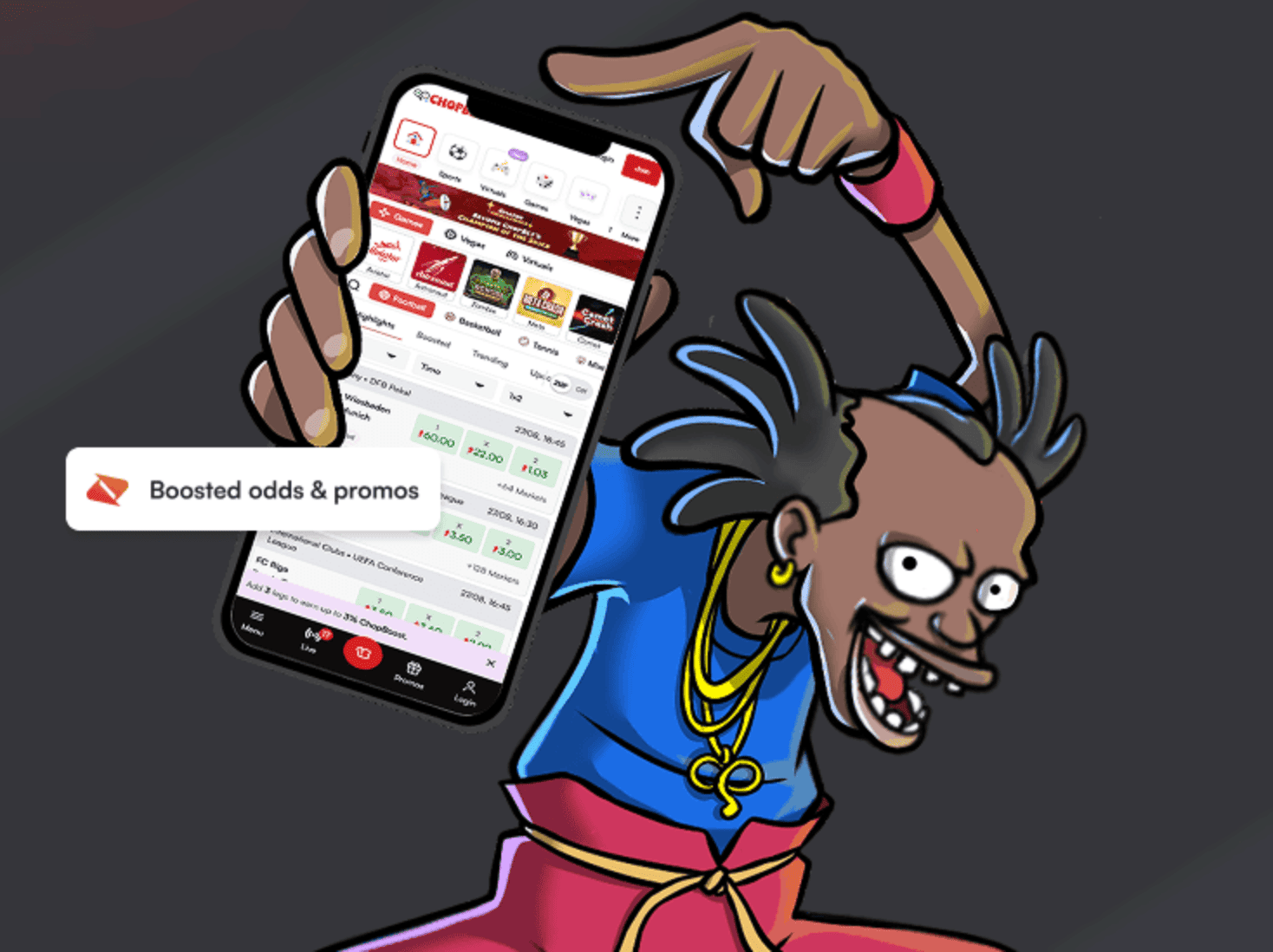
Want the full casino in your pocket? The ChopWin app brings all your favorite slots, crash games, and bonuses to your phone, with fast mobile money payments and smooth gameplay. Here’s how to get it on Android and iOS.
Wait for the download to finish, then open your downloads folder.
Install
Tap the ChopWin APK file you just downloaded.
If prompted, allow installations from unknown sources in your security settings.
Follow the on-screen prompts to complete the installation.
Open the app, log in or register, and start playing.
iPhone · iPad
How to download & install ChopWin app iOS
Make sure you’re located in Uganda, since the app only downloads in-region.
Open the App Store on your iPhone or iPad.
Search for “ChopWin UG” or visit the official listing.
Tap Get to download the app.
Confirm with Face ID, Touch ID, or your Apple ID password.
Open ChopWin, log in or register, and start playing.
No install needed
ChopWin mobile version
No download needed? No problem. The ChopWin mobile version runs straight from your browser on any phone. Just visit the site, log in, and play all the same slots, crash games, and bonuses. It’s built to load fast, even on lower-data connections.